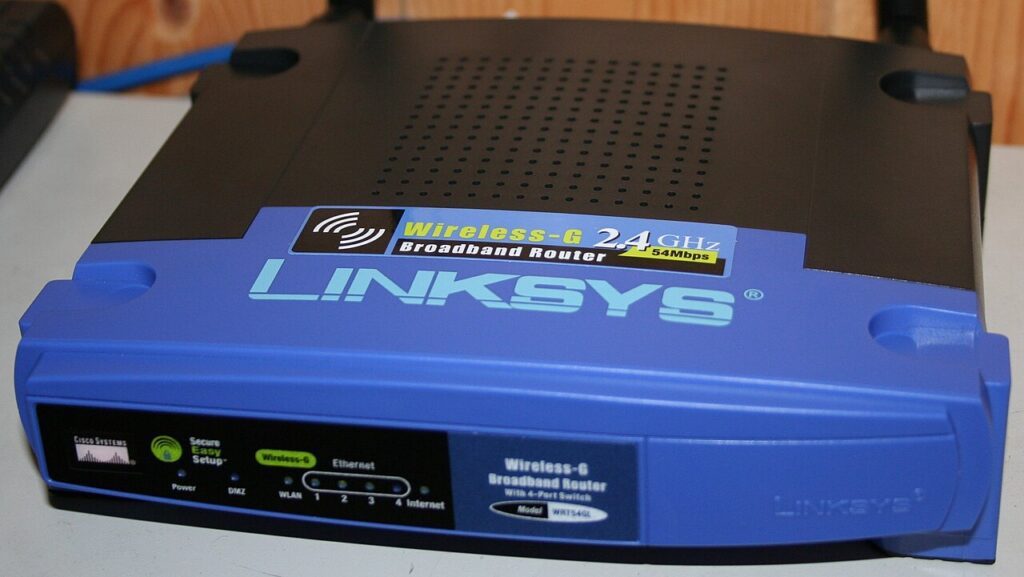
Good router placement tips can solve more Wi-Fi frustration than a panic purchase ever will. A lot of weak-home-network complaints are really location problems. The router is stuffed behind a television, parked in a corner cabinet, or hidden on the floor next to cables and metal furniture. Then everyone wonders why the bedroom stream stutters and the video call chops up at dinner time.
Before you buy repeaters, new mesh gear, or a more expensive plan, try moving what you already own. I often send people to the tips-tricks.net homepage for more practical tech fixes, but router placement is one of the simplest wins because the fix is usually sitting in plain sight.

Router placement tips work best when the signal has space
Start by putting the router in a more central spot. Wi-Fi spreads outward, so a device shoved into the farthest corner of the house wastes a big chunk of its reach outdoors or into walls. Give the router open space around it, lift it onto a shelf or table, and avoid burying it inside thick cabinets. Height helps more than people expect.
If the modem hookup forces you into an awkward room, even moving the router a few feet can help. What you are trying to avoid is signal fighting through dense furniture, large appliances, and layers of building material right after it leaves the antenna. The FCC broadband speed guide is a useful reminder that location inside the home matters just as much as the package speed you pay for.
Keep it away from interference you barely notice
Microwaves, cordless phone bases, metal shelving, baby monitors, and chunky speaker systems can all interfere with a router’s signal. So can a TV stand packed with other electronics. The router does not need to live alone in a sacred room, but it should get some breathing room from the usual noise makers and signal blockers.
Walls matter too. Concrete, brick, mirrors, and even a fish tank can weaken the path more than you expect. If one room always struggles, picture the path from router to device. A tiny move left or right can reduce the number of heavy obstacles in between. That is why these router placement tips are worth testing before spending money.
Test the rooms that matter before you touch advanced settings
Once you move the router, test the places that actually frustrate you: the desk where you work, the bedroom where streaming buffers, the kitchen corner where smart speakers drop out. Do not judge the new setup from one speed test taken right next to the router. That only tells you the obvious. Walk the problem spots instead.
If your network supports both 2.4 GHz and 5 GHz, remember that the faster band usually fades sooner through walls. Sometimes the practical fix is using 5 GHz near the router and letting distant devices ride 2.4 GHz more reliably. Also check your smart-home gear against basic security advice from CISA’s internet-connected device guide while you are adjusting the network.
Use placement first, then add hardware only if the map still looks bad
After you move the router, give it a day of normal use. If video calls stop freezing and slow corners recover, you probably solved the real issue. If one dead zone remains, then it makes sense to look at mesh kits, access points, or a better router. Hardware should answer a tested gap, not a guess.
For a related home-network read, try Smart Home Security Tips That Make Sense. A better-placed router is good for speed, but it also makes it easier to place smart devices sensibly and keep your network organized. That is what turns random router placement tips into an actually better setup.
Quick wrap-up
If you take one thing from this guide, make it simple: router placement tips works best when you fix the easy bottlenecks first and keep one small habit afterward. That is usually where the biggest long-term payoff lives.
Avoid the all-or-nothing trap. You do not need a perfect reset, a color-coded system, or a shopping spree to make router placement tips useful. Pick one action you can finish today, check how it feels in real life, and then keep the step that clearly makes the next day smoother.
That practical approach is what keeps a tip alive after the first burst of motivation wears off. Small fixes are easier to repeat, easier to teach to someone else at home, and much more likely to save time or money for months instead of just one afternoon.