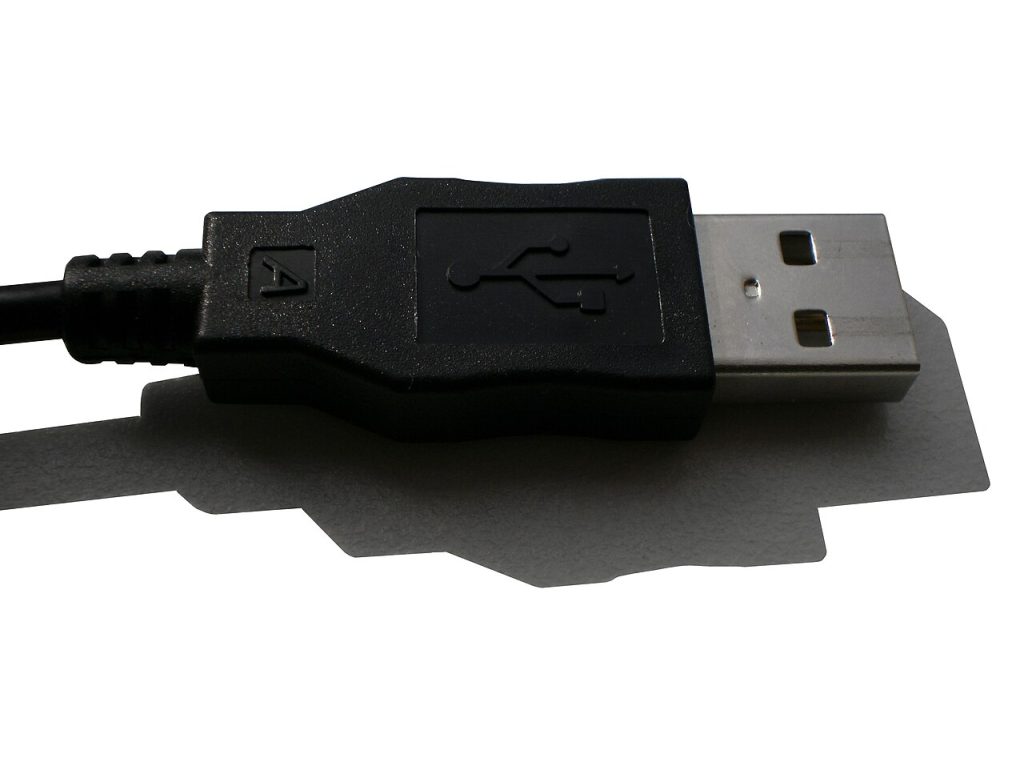
Every home ends up with a drawer full of mystery wires. Learning to organize cables and chargers properly takes one afternoon and saves you hours every month, because you stop buying cables you already own and you stop crawling behind the desk to trace a plug. This guide uses cheap, ordinary supplies: velcro ties, sandwich bags, a marker and one shoebox.
Start by dumping every cable in one place
You cannot plan storage for things you cannot see. Empty the junk drawer, the bag by the door, the box under the bed and the tangle behind your monitor onto a table. Expect a mess. Sort into three rough piles: cables that are clearly still useful, cables that belong to a device you no longer own, and cables you cannot identify.
Check the third pile against your devices before you throw anything out. A short cable with a flat connector is often a camera or e-reader cable, and replacing it later costs more than the five minutes you spend testing it now.
Organize Cables And Chargers by room, not by type
The classic mistake is to group all USB-C cables together in one tidy box. That looks organised, but you will still walk to the bedroom when the charger you need is in the kitchen. Storage should follow where the cable is actually used.
- Bedroom: one long charging cable per person, fastened to the nightstand with a clip so it does not fall behind the bed.
- Desk: the data cables, the laptop charger and the monitor leads, all labelled.
- Bag or travel pouch: a small set that never leaves the bag.
- Spares box: everything else, clearly marked as overflow.
Keeping a spare set in the travel pouch is the single change that stops you unplugging the desk setup every time you leave the house.
Label both ends, not just one
The cable that matters is the one buried at the back of the power strip. Wrap a strip of masking tape around each end and write what the cable powers, using the device name rather than the connector type. “Router” is useful. “Barrel jack” is not.
What to write on the label
- The device name, for example “monitor” or “phone B”.
- The wattage if it matters, so you never plug a laptop into a phone brick.
- A short date if you want to track how long cheap cables last.
A permanent marker on white tape costs almost nothing and survives years. Printed labels are neater, but handwriting is faster and you are more likely to actually do it.
Use velcro ties instead of rubber bands
Rubber bands rot, stick to the cable jacket and leave a greasy residue in hot weather. Velcro cable ties cost very little in a pack of fifty and can be reused forever. Coil each cable in an over-under loop about the width of your hand, then fasten the tie loosely. Never bend a cable tightly at the connector, because that is where the internal wires break first.
Avoid the temptation to bundle charging bricks with the cables they belong to using cable ties so tight that nothing can be separated later. Loose loops with a single soft tie are easier to undo when you need one cable in a hurry.
Store like with like in open, labelled bins
Clear or open bins beat deep drawers because you can see the contents without lifting a lid. Use one bin for charging bricks, one for long cables, one for adapters and dongles, and label the front of each with a marker. Food storage bags work well for individual cables if you add a small breather hole, and they keep dust out of the connectors.
Keep the bins on a shelf at waist height rather than on the floor, where they collect dust and get kicked around.
Keep a travel kit permanently packed
Build one small pouch with a multi-port charger, a short USB-C cable, a longer cable and one adapter for whichever device you travel with. Photograph the open pouch and keep the picture in your phone, so you can check the contents at a glance before a trip and restock what is missing.
When you come home, the pouch goes straight back into the bag rather than onto the desk, where its contents quietly migrate into the general tangle.
Do a five-minute reset every month
Set a recurring reminder and spend five minutes putting cables back where they belong, throwing out anything frayed and adding a label to whatever new device arrived. When you organize cables and chargers as a habit rather than a one-off project, the drawer never returns to its original state.
If you are deciding what to do with the old cables you uncovered, our guide on fixing phone charging problems before buying a cable explains when a cable is genuinely dead, and cleaning your laptop keyboard safely covers the dust that collects around the ports you just organised. For surge protection and socket safety while you are back there tidying, read using power strips safely around the house. More practical guides live on the tips-tricks.net homepage.