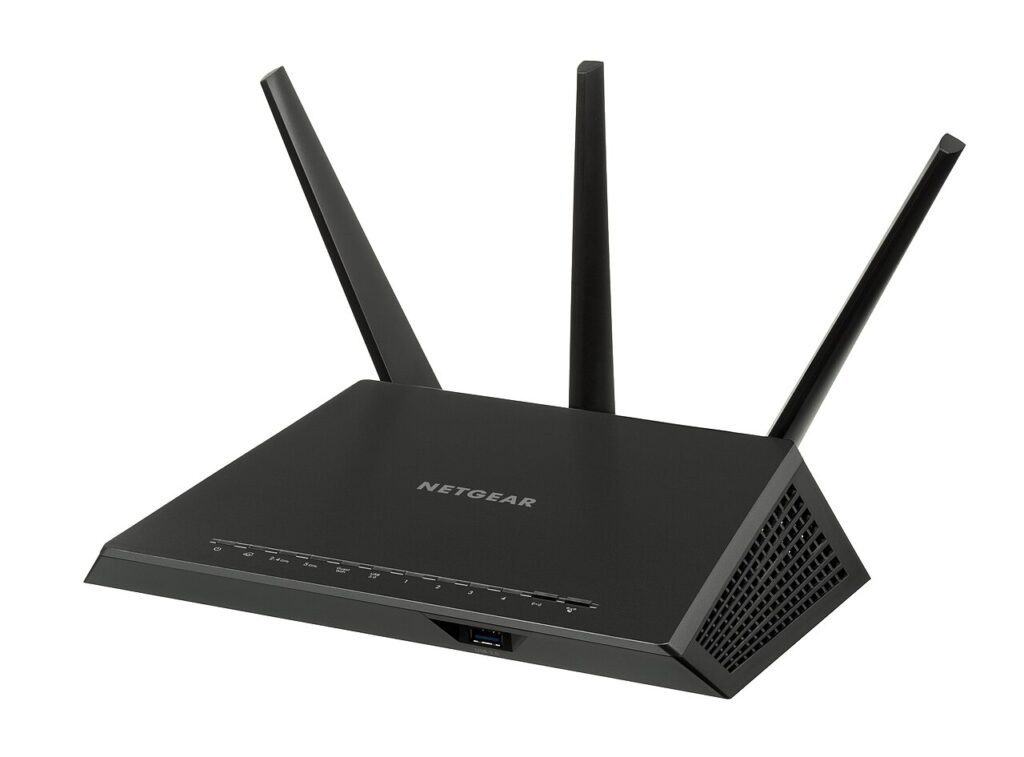
Poor home Wi-Fi speed is not always an internet plan problem. Router placement, crowded channels, and a few overloaded devices can slow the whole house even when the connection itself is fine.
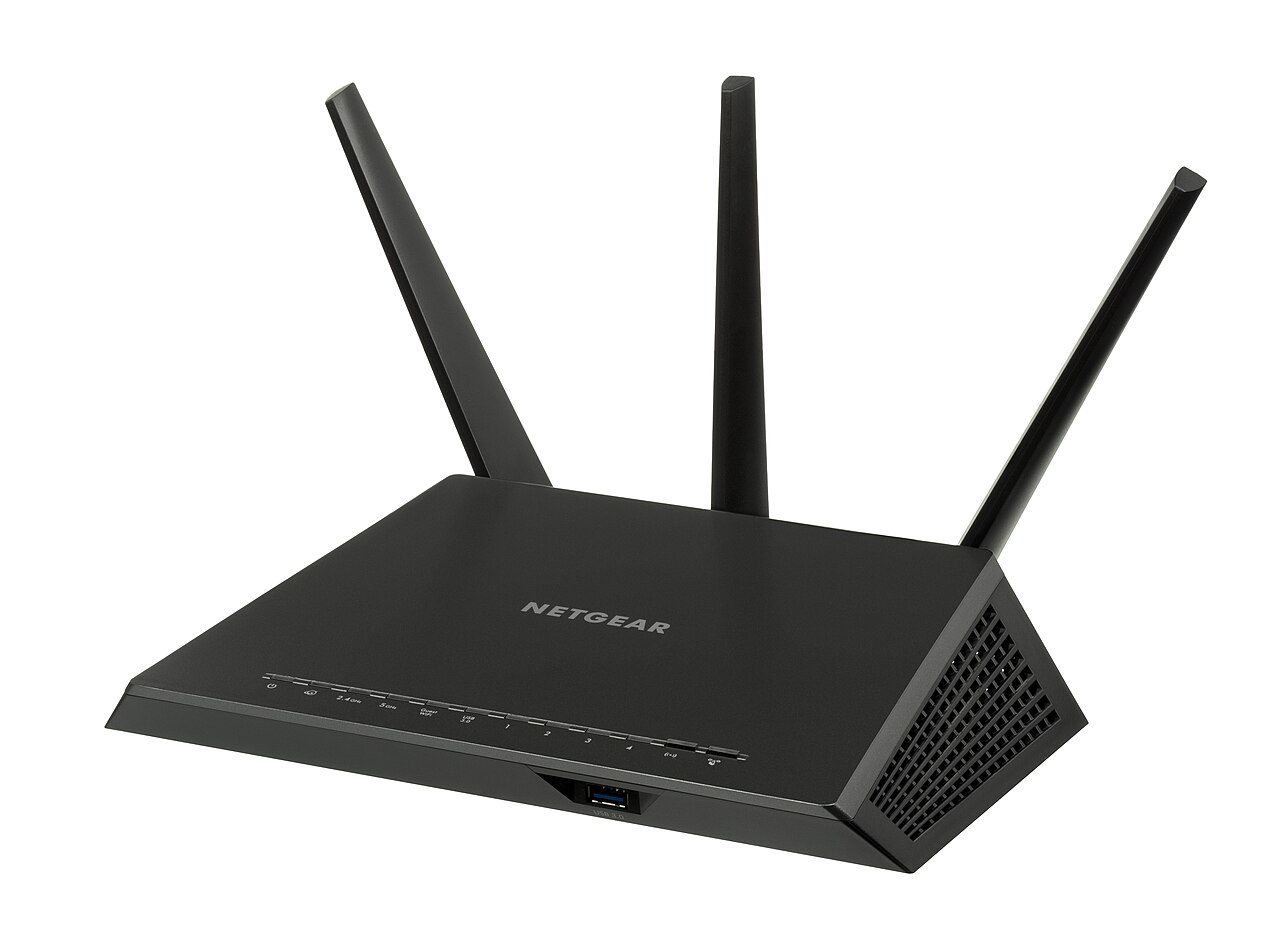
Measure home Wi-Fi speed in the right places
Test near the router, then in the rooms where people complain. If speed is good nearby but poor far away, the problem is coverage, not the internet provider.
Move the router before replacing it
Place it high, central, and out in the open. Avoid hiding it behind a TV, inside a cabinet, next to thick walls, or beside metal appliances.
Separate old devices from important work
Very old phones, cameras, and smart gadgets can drag performance down. Put them on a guest network or the 2.4 GHz band when possible.
Restart and update on a schedule
Reboot the router monthly and install firmware updates when the maker provides them. Updates can fix stability and security problems.
Use wires for stationary devices
Connect desktops, TVs, and game consoles by Ethernet if you can. Every wired device frees wireless capacity for phones and laptops.
Quick checklist
- Start with the lowest-risk change first.
- Write down what you changed so it is easy to reverse.
- Review the habit again next month so the fix sticks.
Start with placement and testing, then update and separate devices. These fixes often improve home Wi-Fi speed before you spend a dollar on new hardware.
For more simple guides, visit the Tips & Tricks homepage.