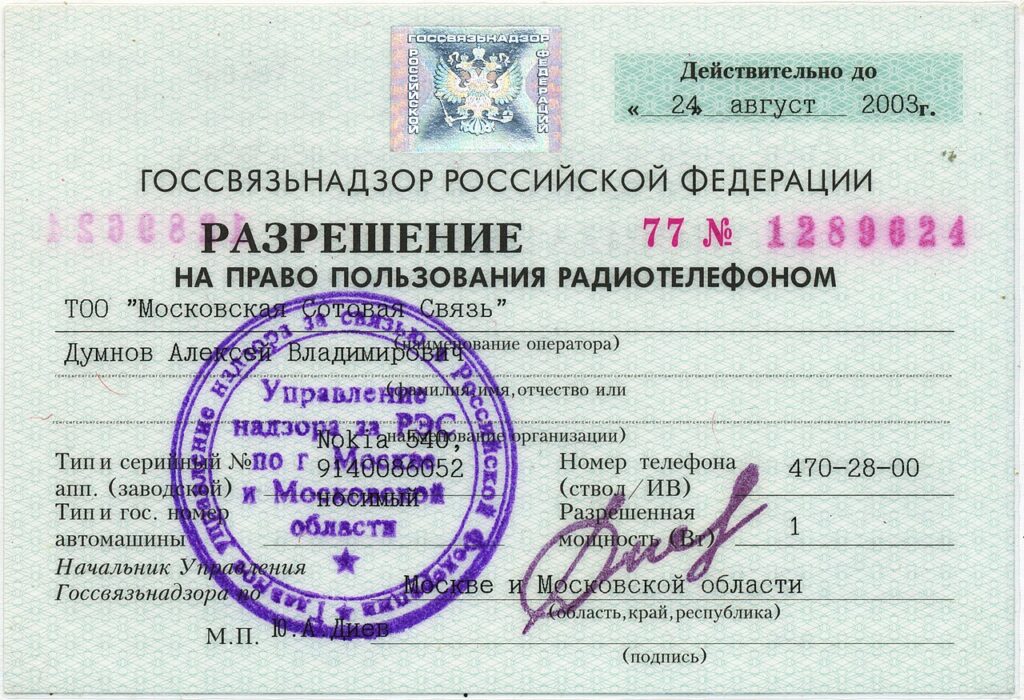
scan documents with phone can save time, money, and frustration when you make a few careful changes instead of chasing complicated fixes.
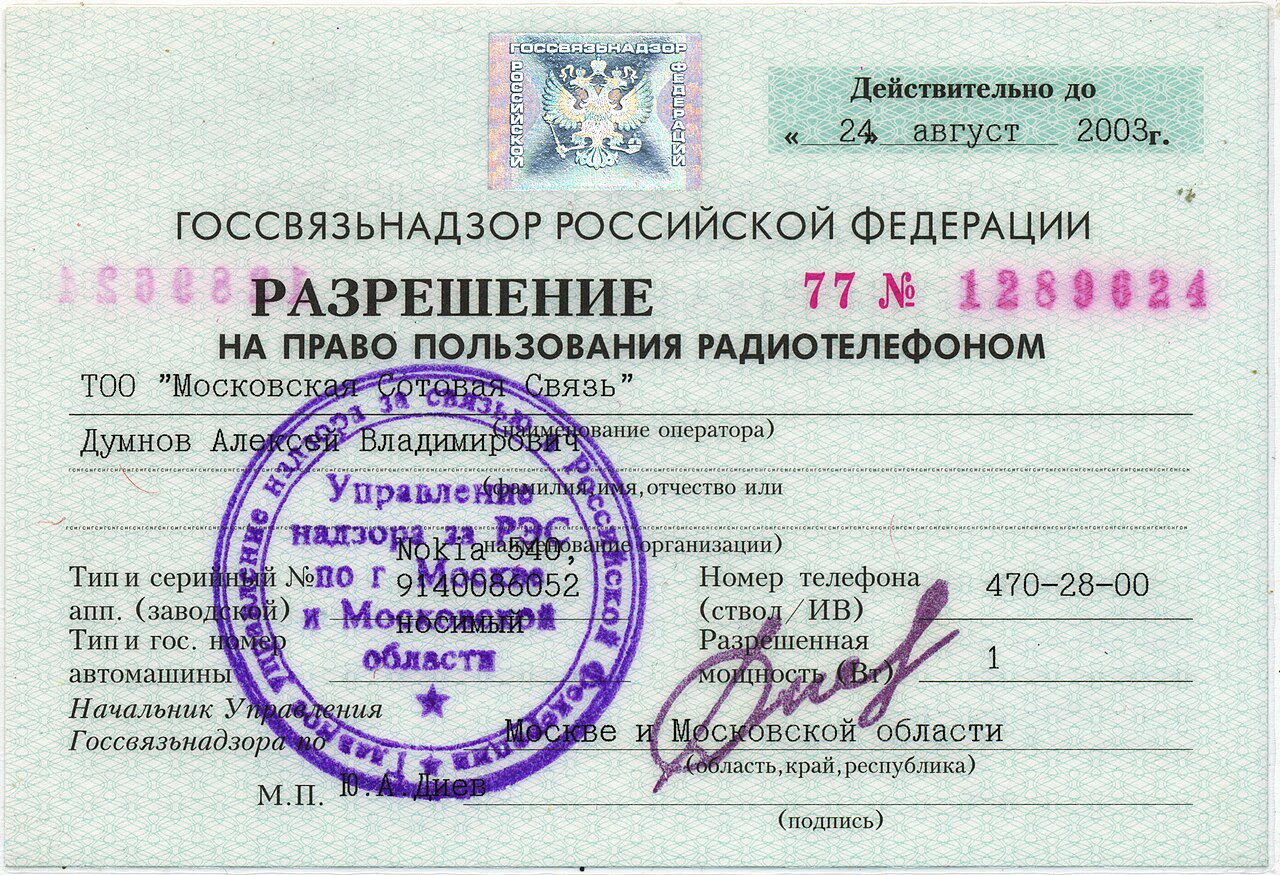
A phone can replace a basic scanner for receipts, forms, school notes, and signed pages when you use the right setup. The difference between a messy photo and a readable scan is mostly lighting and alignment.
Scan documents with phone in good light
Place the paper on a flat, contrasting surface near a window or bright lamp. Avoid shadows from your hand and keep the phone parallel to the page.
Use the document mode in your camera, Google Drive, Files, Notes, or Microsoft Lens. These tools crop edges and correct perspective automatically.
Make the file easy to reuse
Save important scans as PDF files with clear names such as “rent-receipt-january” or “passport-copy”. This makes them easier to email and find later.
Check the corners and small text before you throw away the paper. A quick zoom catches blur, glare, or missing edges while you can still rescan.
Protect sensitive scans
Store IDs, contracts, and financial documents in a secure folder or trusted cloud account with two-factor authentication. Delete duplicate images from the camera roll if they are no longer needed.
Keep improving your setup
For more practical guides, visit the Tips & Tricks homepage and save the ideas that fit your routine.