Receipts hide in email, messaging apps, screenshots, and paper piles exactly when you need a warranty claim. A simple system to organize digital receipts turns that mess into a searchable archive.
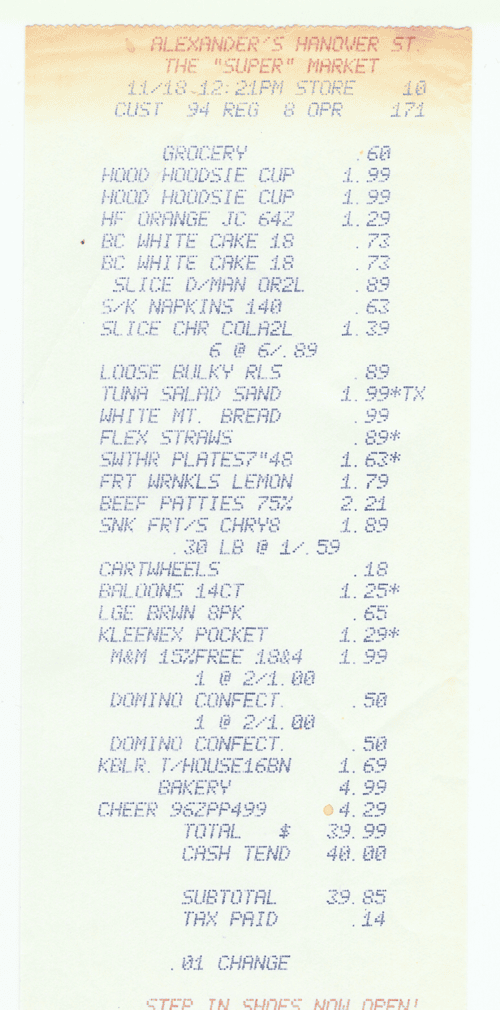
How to organize digital receipts
Create one folder called Receipts in your cloud drive, then add subfolders for year and category. Keep the structure boring so you can maintain it on a busy day.
Use filenames that start with the date, followed by shop and item: 2026-09-17-store-headphones.pdf. This makes sorting automatic and searching predictable.
Capture paper and email receipts
Scan paper receipts with your phone as soon as you get home. Crop the image, save it as PDF or JPG, and throw away only after the file is readable.
For email receipts, make a mail filter that applies a Receipts label when messages contain words like order, invoice, receipt, or shipped.
Protect receipts you may need later
Back up the folder to a second cloud account or external drive once a month. Expensive electronics, appliances, tax records, and insurance purchases deserve extra care.
Add warranty end dates to your calendar for high-value items. A reminder one month before expiry gives you time to test the product and claim support.
Quick checklist before you finish
- Use date-shop-item filenames
- Scan paper receipts immediately
- Back up the receipt folder monthly
For more practical guides, browse the Tips Tricks homepage and keep improving one small system at a time.