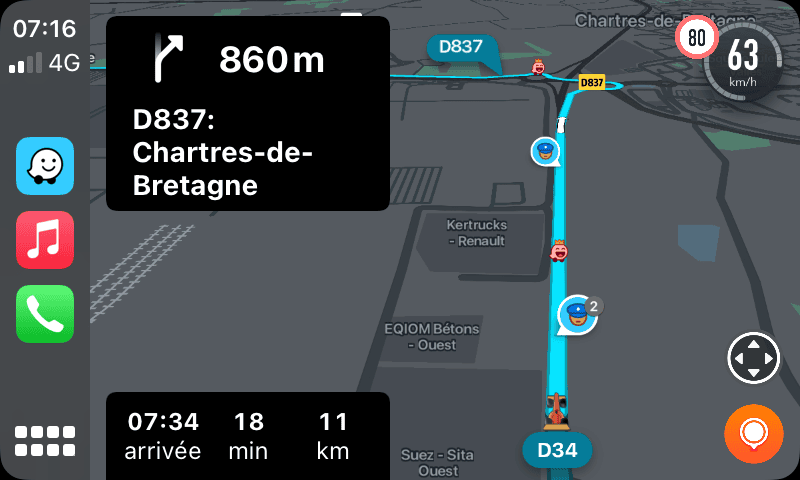
Google Maps offline maps are one of those features people forget about until the signal drops on a road trip, the airport Wi-Fi refuses to cooperate, or a city street turns into a maze with zero bars on the phone. Downloading the right map area ahead of time takes only a minute, and it saves a lot of stress later. If you travel, commute through weak coverage, or simply hate watching your battery and data disappear while navigation spins, this setup is worth doing before you need it.
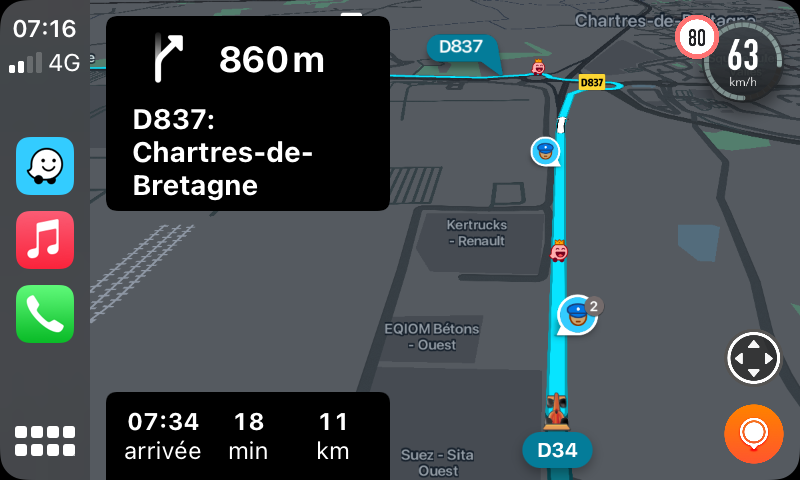
Google Maps offline maps are best for the places you revisit
Most people think about offline maps only for vacations, but the better use case is everyday reliability. Download your home area, your work area, and any route you drive often through patchy coverage. That way your map still loads if your carrier has a bad day or a building blocks the signal.
In the Google Maps app, tap your profile picture, open Offline Maps, and choose Select Your Own Map. Zoom to cover the area you actually use instead of grabbing a giant region you rarely visit. Smaller downloads finish faster and update more cleanly. If you travel often, create a few smaller map zones instead of one oversized one.
Google explains the official steps in its offline maps help page. Consumer Reports also has a practical breakdown of when the feature helps most while traveling in unfamiliar areas.
How to download the right area without wasting storage
Your first instinct may be to save as much as possible. Resist that. A smarter move is to think in layers: city center, airport or station, hotel zone, and the main driving corridor between them. Those areas usually cover the moments where a weak connection creates the most friction.
Before you save a map, check your available storage and make sure the app is allowed to update over Wi-Fi. Offline maps expire if they are not refreshed, so turning on automatic updates is the easiest way to avoid opening the app before a trip and finding stale data. If your phone is tight on space, delete old vacation maps once you are back home.
It is also worth naming downloaded maps clearly. “Home” and “Trip” become useless fast. A label like “Dhaka north” or “Chittagong route” is easier to spot when you need it quickly.
Google Maps offline maps still have limits, so plan around them
Offline mode is good, but it is not magic. You can still search many places and get turn-by-turn driving directions, yet some features need a live connection. Transit, cycling updates, live traffic, alternate routes based on current conditions, and business hours can be incomplete or missing.
That means you should save screenshots or notes for critical details the night before a trip: hotel check-in instructions, parking information, reservation numbers, or a backup address list. If you are meeting people, message the full location in advance instead of trusting the app to fetch every detail on the road.
For broader travel prep, the Tips & Tricks homepage has more simple phone guides. You may also want to read Public Wi-Fi Safety Tips and Google Calendar Tips to Plan Your Week Without Chaos before your next trip.
Use offline maps to save data and battery too
Even when you have signal, offline maps can cut mobile data use because the base map is already stored on the device. That helps during long drives, border crossings, and prepaid plans where every gigabyte counts. It can also make the app feel snappier when loading familiar areas.
Battery savings are not dramatic on their own, but they add up when combined with a few smart habits: lower screen brightness, download music or podcasts in advance, and keep a charger in the car. The less your phone has to fetch in real time, the smoother navigation feels.
Test your Google Maps offline maps before travel day
The simplest mistake is downloading a map and never checking whether it really covers the roads you plan to use. Before you leave, put your phone in airplane mode for a minute and search for a few important places inside the saved area. Try your hotel, a gas station, and one alternate stop. That quick test shows you right away whether your saved map is large enough.
It also helps you notice where offline mode feels limited. Maybe local business details are thinner than you expected, or a saved area ends just before the edge of town. Finding that out at home is much nicer than discovering it from the passenger seat while everyone is already late.
If someone else in the family will be driving too, ask them to download the same map area on their phone. Shared redundancy sounds boring, but it is a great backup when one device dies or gets left in a bag.
Set aside five quiet minutes tonight and download the places you use most. Google Maps offline maps are simple insurance. You probably will not think about them often, and that is exactly why they are so useful when a connection fails at the worst possible moment.