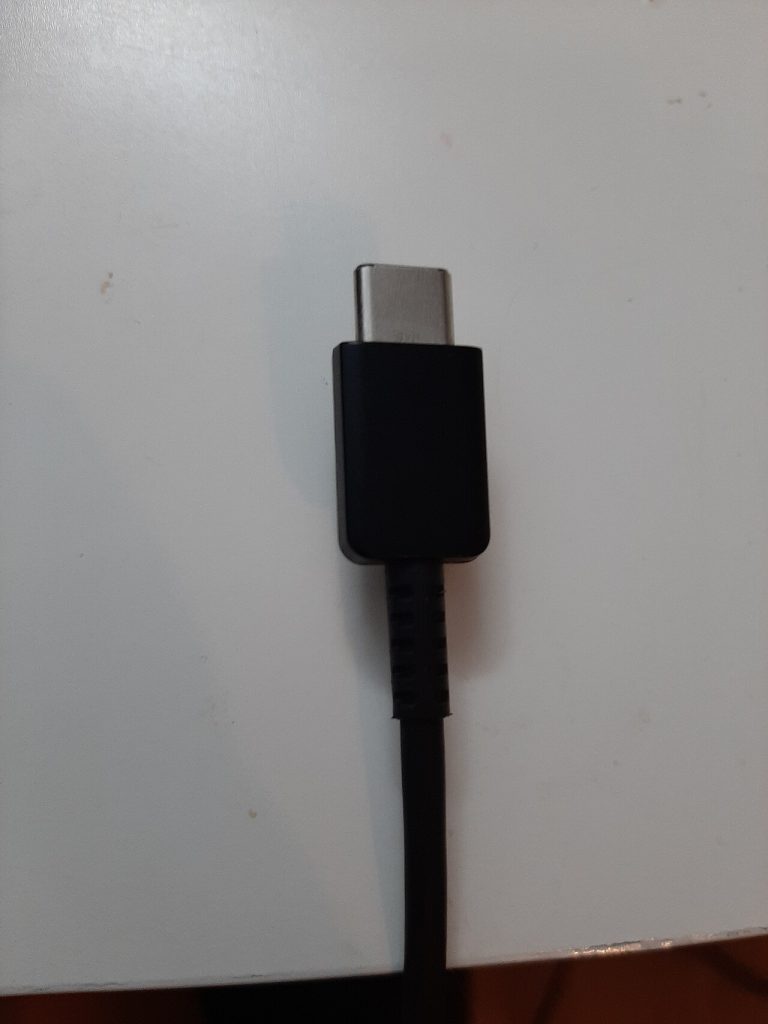
Two cables that look identical can behave completely differently, and that is why so many people buy the wrong one twice. A USB-C cable carries power, data or video depending on how it was built, and the box rarely tells you clearly. Here is how to pick the right cable the first time and avoid paying for features your devices cannot use.
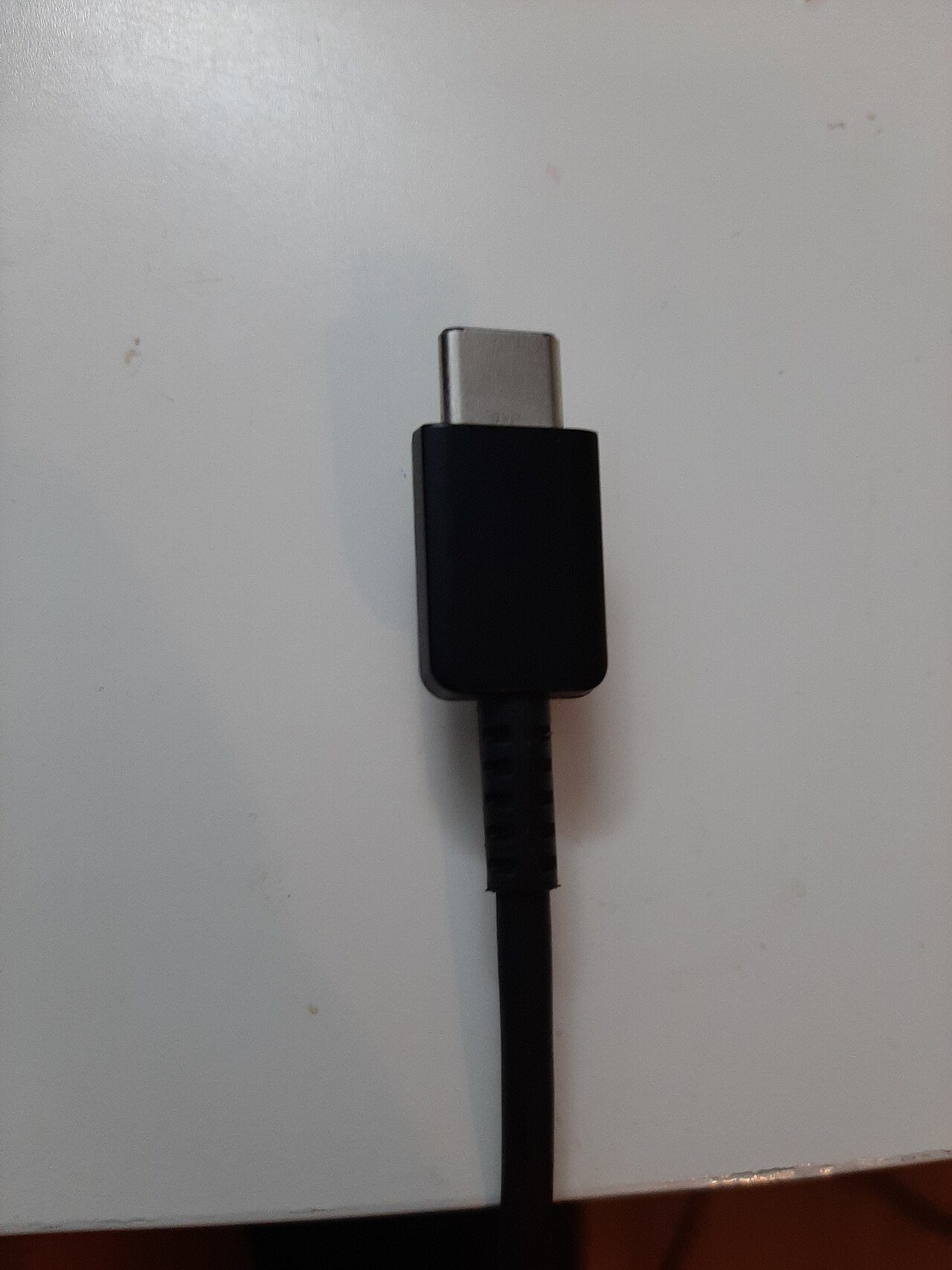
Understand what the connector does not promise
A USB-C connector is a shape, not a standard. The same oval plug may support fast charging only, data only, or everything including video output. Cheap cables often include only the wires needed for charging and leave out the high-speed data pairs, which is why a cable that charges your phone will not move a file from a camera.
That also explains why one cable works with a dock and another does not, even though both come from the same drawer.
Match the USB-C cable to what you need it for
- Charging a phone: a basic cable rated for the wattage you need is fine. Check the rating, not the length.
- Charging a laptop: look for a cable rated for at least 60 watts, and 100 watts or more if the laptop uses a large power brick.
- Moving files: you need a data-rated cable, usually marked for USB 3 or higher speeds.
- Driving a monitor: you need full-feature video support, often sold as a Thunderbolt or USB4 cable.
If a cable has to do more than one job, that is exactly where a cheap one fails. Buy one good full-feature USB-C cable for the desk and keep simple charging cables for everything else.
Read the wattage, not the marketing words
Fast charging labels are vague, but wattage is specific. A cable rated for 240 watts has thicker power wires and an electronic marker chip, and it costs more because of that. If your charger and phone only need 25 watts, a 240-watt cable is wasted money, but if you later buy a laptop that needs 100 watts it becomes the cable you rely on.
Quick rules that save money
- Never buy a cable described only as “fast charging” with no wattage figure.
- Prefer cables that state a data speed in Gbps as well as a wattage.
- Skip gold plating claims; the connector quality matters far more.
Check length before you check price
Long cables lose more power and, for data, more signal quality. For charging a phone on a nightstand, a one-metre cable is plenty. For reaching a wall socket behind furniture, buy a two-metre cable rated generously rather than chaining an extension. Chaining two cheap cables is the most common cause of slow charging that people blame on the phone.
For video, keep the run short unless you buy an active cable designed for the distance.
Test a new cable in five minutes
Do not throw away the receipt until you have tested it. Plug it into your most demanding device and check three things: does it charge at the expected speed, does a large file copy without stalling, and does a monitor wake up reliably. If any of those fail, the cable is the wrong one for that job, even if it was sold as compatible.
A cable that gets warm at the plug under a heavy load should be retired. Slight warmth is normal, but heat at the connector suggests thin wires or a poor contact, and that is a fire risk over time.
Store and label the ones that earn their place
Once you have a good USB-C cable for the desk, mark it so nobody borrows it for the car. A short piece of tape with the wattage written on it is enough. Keep the full-feature cable with the dock and the simple ones in the travel pouch.
Buying fewer, better cables usually costs less than replacing three cheap ones a year, and it removes the guessing game every time you plug something in.
If charging is already unreliable, our guide on fixing phone charging problems before buying a cable separates cable faults from port faults, and improving smartphone charging speed covers charger choices. To keep the whole drawer under control, read organizing cables and chargers at home. More buying guides are on the tips-tricks.net homepage.