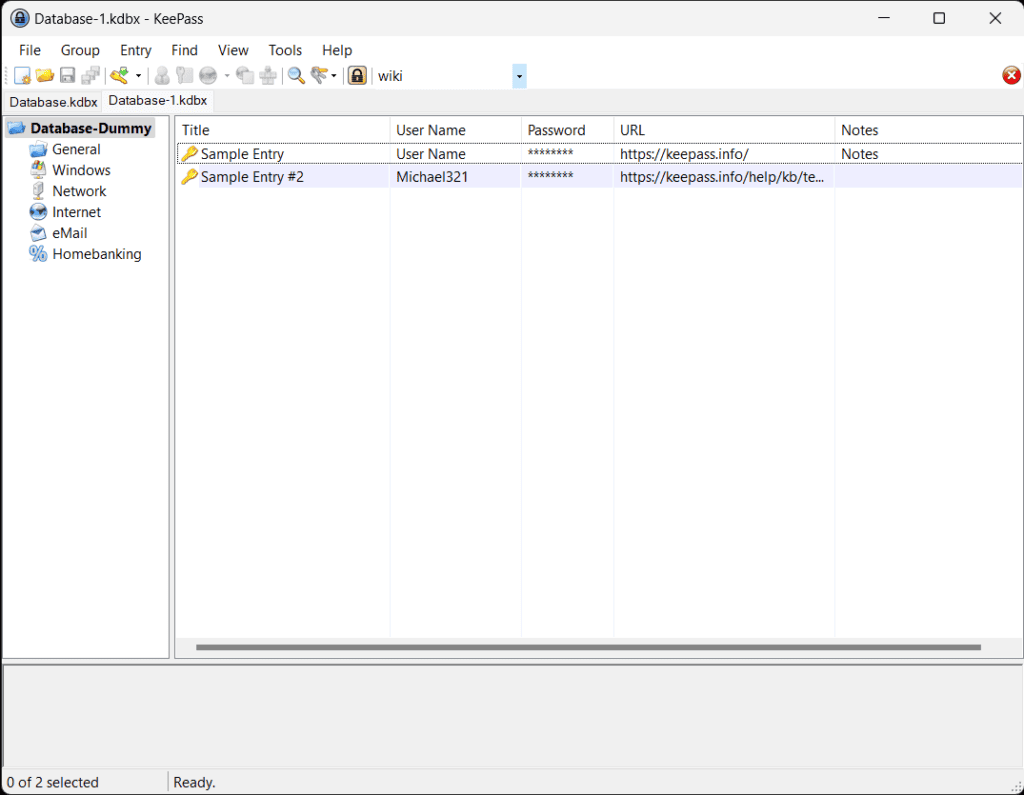
Offline Password Vault does not need to be complicated. An offline password vault keeps the encrypted database file under your control instead of syncing everything through a cloud account by default. That can be a good fit if you want a small, private vault for important logins, recovery codes, and local records.
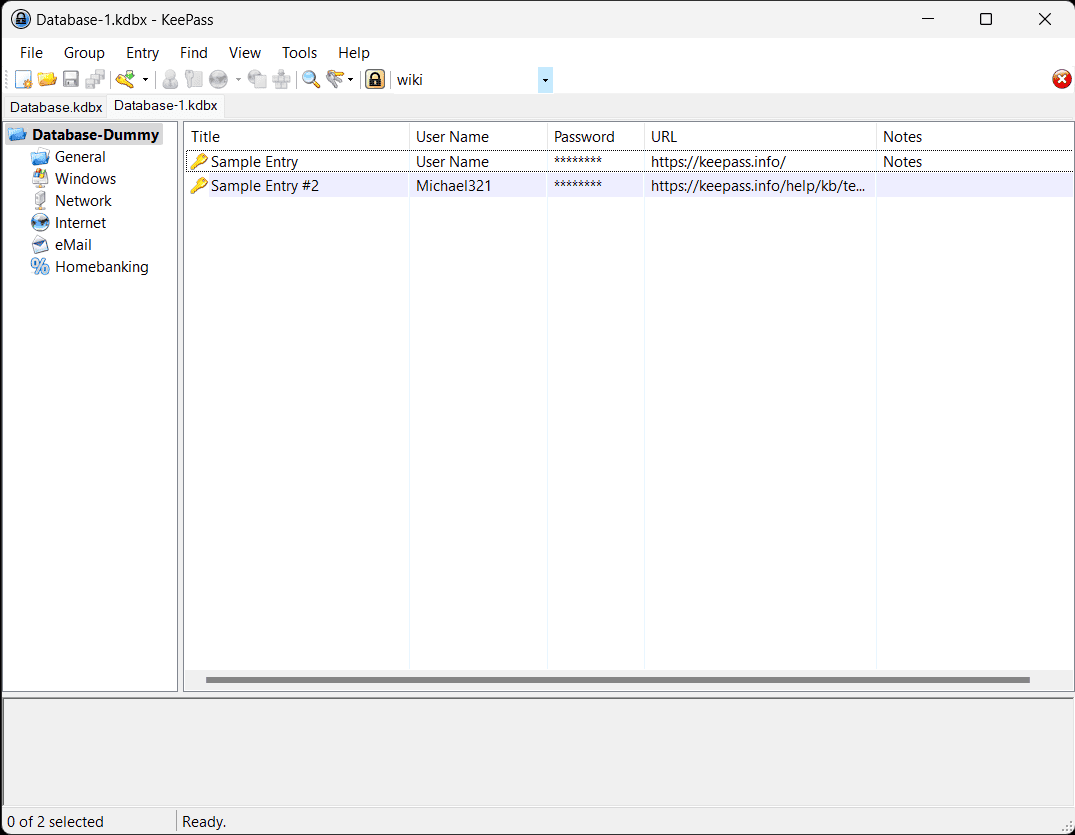
Offline password vault setup can stay simple
Pick a trusted password manager, download it from the official site, and create one new vault. Use a long master password you can remember but nobody can guess: a sentence with unrelated words is usually better than a short clever phrase.
Add your most important accounts first
Do not try to organize every login in one evening. Start with email, banking, phone account, cloud storage, and the account that controls your domain or business tools. These are the keys that unlock everything else.
For each entry, save the login URL, username, notes about two-factor authentication, and recovery options. Generate a unique password when you change an old reused one.
Back up the vault carefully
Because the vault is offline, backup matters. Keep one encrypted copy on your computer and another on a separate drive or trusted cloud folder. The backup is safe only if the master password is strong and never stored beside it.
Test opening the backup after you make it. A backup you have never tested is just a hope.
Build a weekly routine
Once a week, add any new accounts and remove duplicates. Once a quarter, review recovery email addresses and backup codes. A password vault works best when it becomes a calm routine, not a panic project after an account problem.